


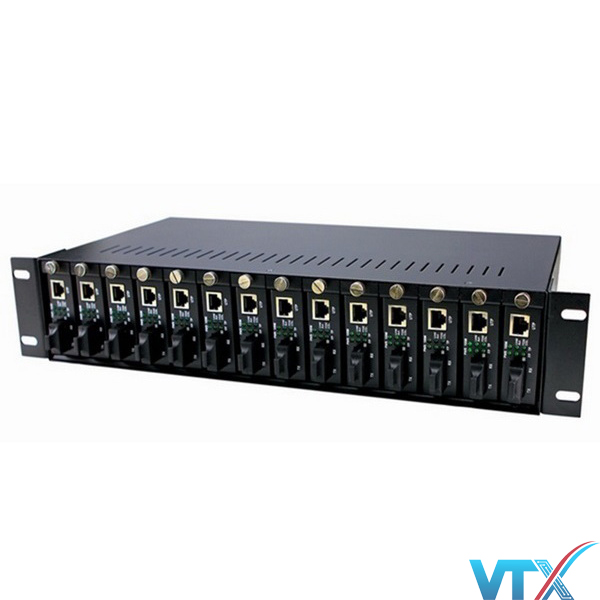
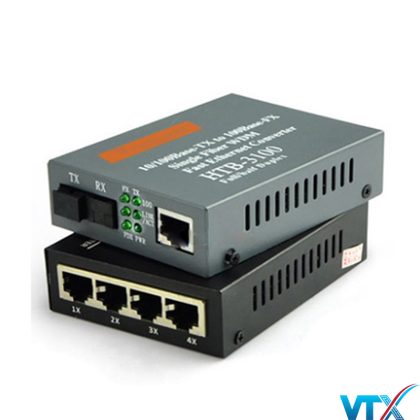
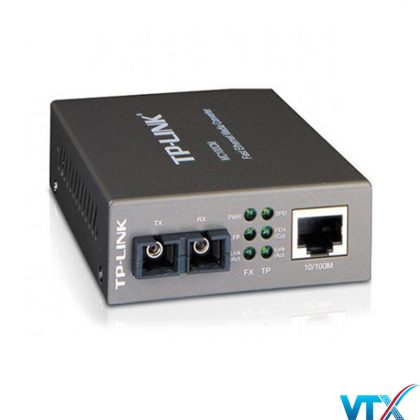
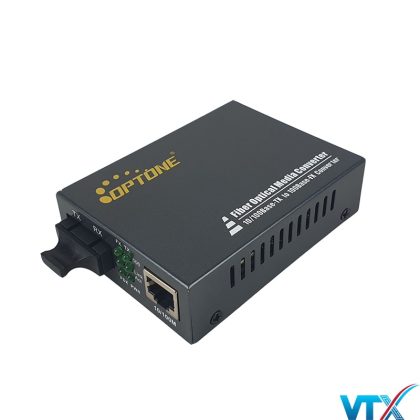
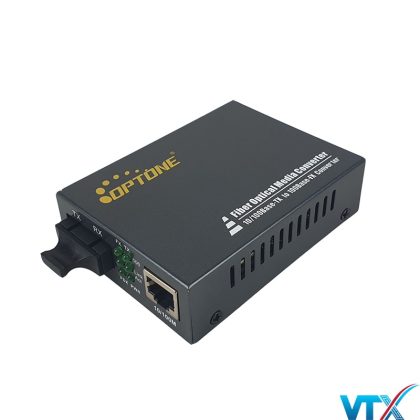
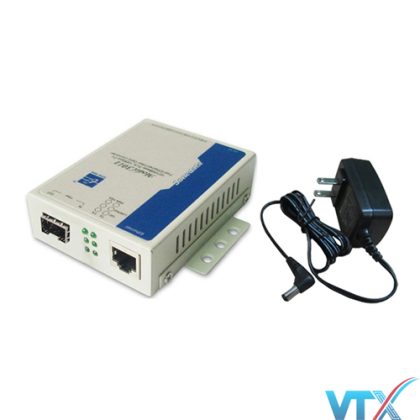
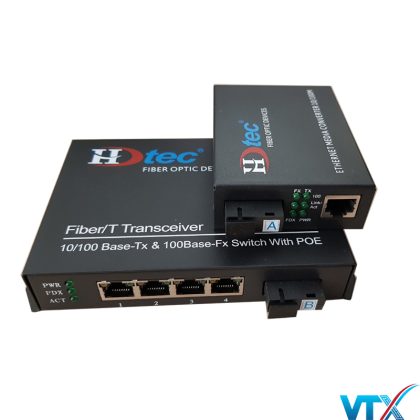
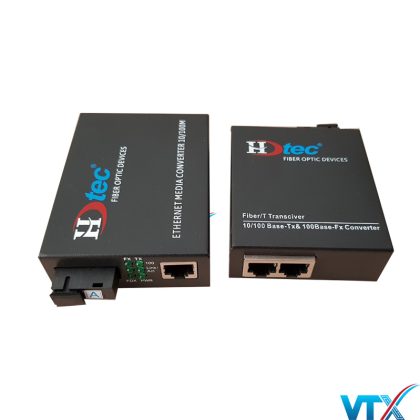
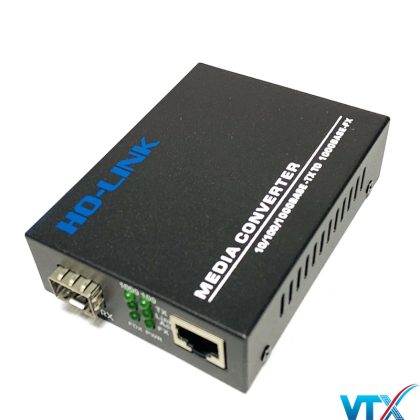
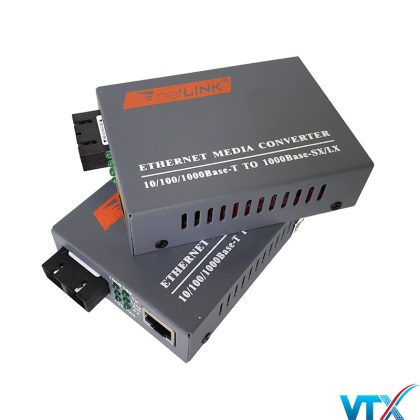
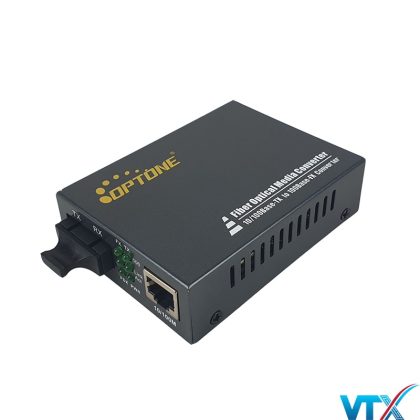
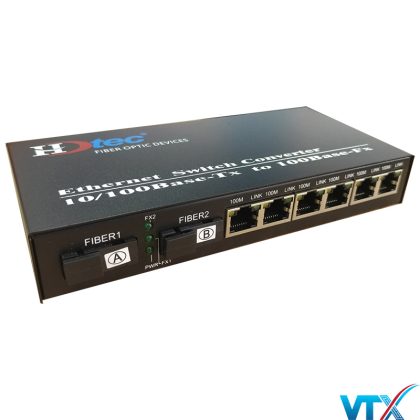
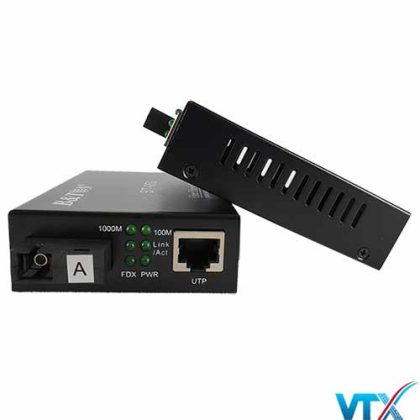
Bộ nguồn tập trung Converter Wintop WT-81/4-2A
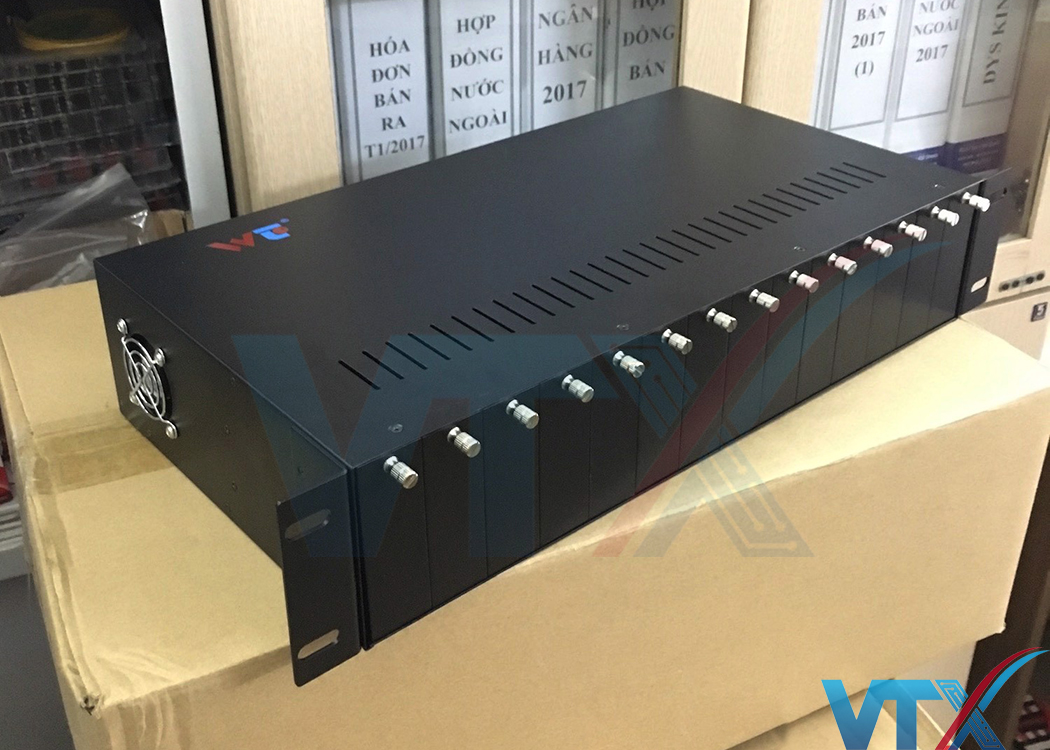
Bộ nguồn tập trung Converter Wintop WT-81/4-2A được thiết kế với 14 khe cắm tương ứng 14 converter quang bên trong và chiều rộng tiêu chuẩn 19′ để có thể tích hợp tốt vớwi mọi loại tủ rack trên thị trường hiện nay. Wintop WT-81/4-2A là thiết bị có khả năng tập trung cũng như cung cấp nguồn điện cho các Converter quang (hay Bộ chuyển đổi quang điện) để mạng lại tính ổn định của nguồn nuôi converter và hỗ trợ tối đa người dùng trong việc quản lý, cũng như lắp đặt, bảo trì.
Khay nguồn tập trung Wintop WT-81/4-2A có thể tương thích với tất cả mọi loại converter quang hiện nay trên thị trường Việt Nam. Bộ nguồn sử dụng đồng thời 2 chế độ nguồn điện 220VAC hay 48VDC; có khả năng tự động đảo chiều nguồn khi có sự cố xảy ra. Bảo vệ tốt hơn cho các thiết bị trong hệ thống mạng của khách hàng.
Thông số kỹ thuật của Bộ nguồn tập trung Wintop WT-81/4-2A
| Điều kiện môi trường | |
|---|---|
| Nhiệt độ hoạt động | 0 ~ 50ºC |
| Nhiệt độ lưu trữ | -40 ~ 85ºC |
| Độ ẩm | Độ ẩn trung bình 5% ~ 95% (không ngưng tụ) |
| Nguồn | |
| Điện áp vào | AC 100~260V, 50~60HZ, hoặc DC -48V |
| Điện áp ra | DC +5V |
| Công xuất tiêu thụ | <60W |
| Sóng | ≤ 50mv |
| Tiếng ồn | ≤ 50mv |
| Kích cỡ | |
| L*W*H | 482,6mm*350mm*88mm |
PRODUCT OVERVIEW
This converter chassis can supply several media converters with power ,this will simple the links and structure , it can work stably and adapt broad width of voltage .It can store strong power and can be operated and managed easily. The maintenance of this chassis is also very easy. This option is the very one to meet the requirements of good stability , high capacity , good integration and good quality .
This option supports hot-swap convert modules .It can work with single power supply or dual power supply as users wish, when the power supply should be maintained or
changed ,it is not necessary to pull-out the converters ,this makes the maintenance easy. With all these advantages ,this option can supply users with an effictive solution of networks.
INSTALLATION
1. When you unpack this product package ,please check the devices with packing list .
2. Install the converter chassis in a standard 19” cabinet and fix it .
3. For 14 slots media converter chassis: Unscrew two screws from the side next to the
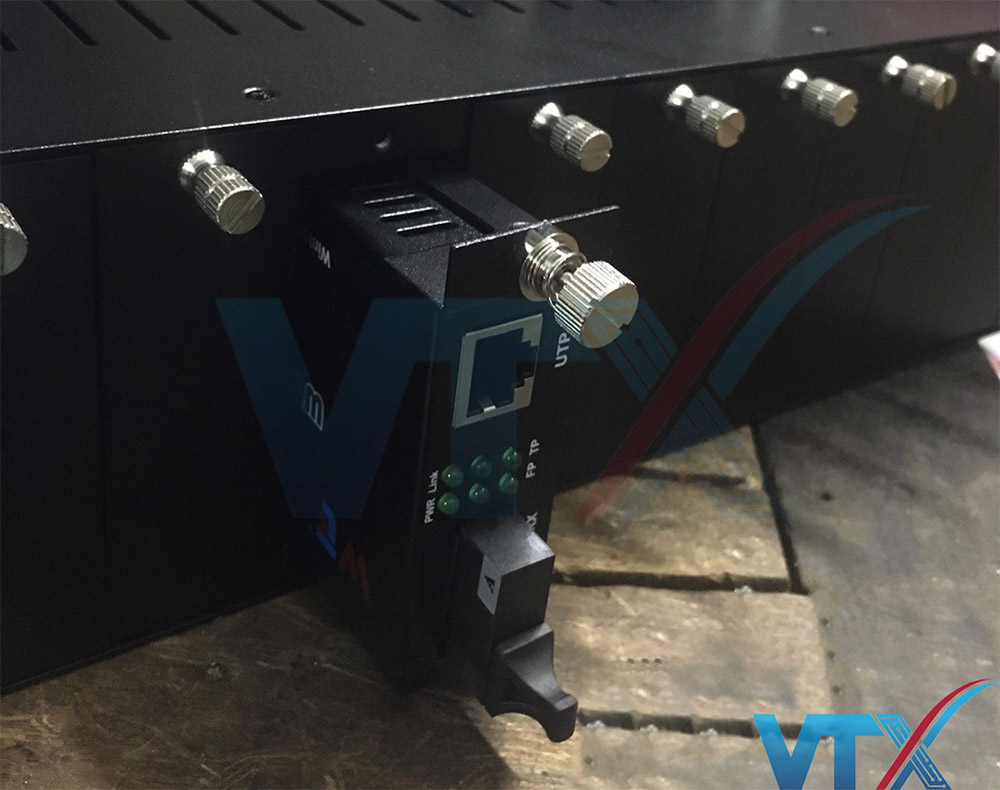
RJ45 port of the media converter .Then use these two screws to fix the carrier given with this option onto the side of media converter ,leaving the bigger side of the screws ahead. Then insert the converter to the chassis ,make sure the power plug of chassis is inserted in the power port of media converter . When the converter is fully and firmly fit the chassis ,fasten the screws on the carrier .Follow the above steps, install all
necessary converters in the chassis, then block up any slots not for use
temporarily .Then go to step 5 .
4. For 16 slots media converter chassis: Insert the card-type converter to the guide rails of the slot ,leaving the bigger side of the screws ahead .Make sure the power plug of card-type converter is inserted in power port of chassis. When the card-type converter is fully and firmly fit the chassis ,fasten the screws .Follow the above steps ,install all necessary card-type converters in the chassis, then block up any slots not for use temporarily .Then go to step 5 .
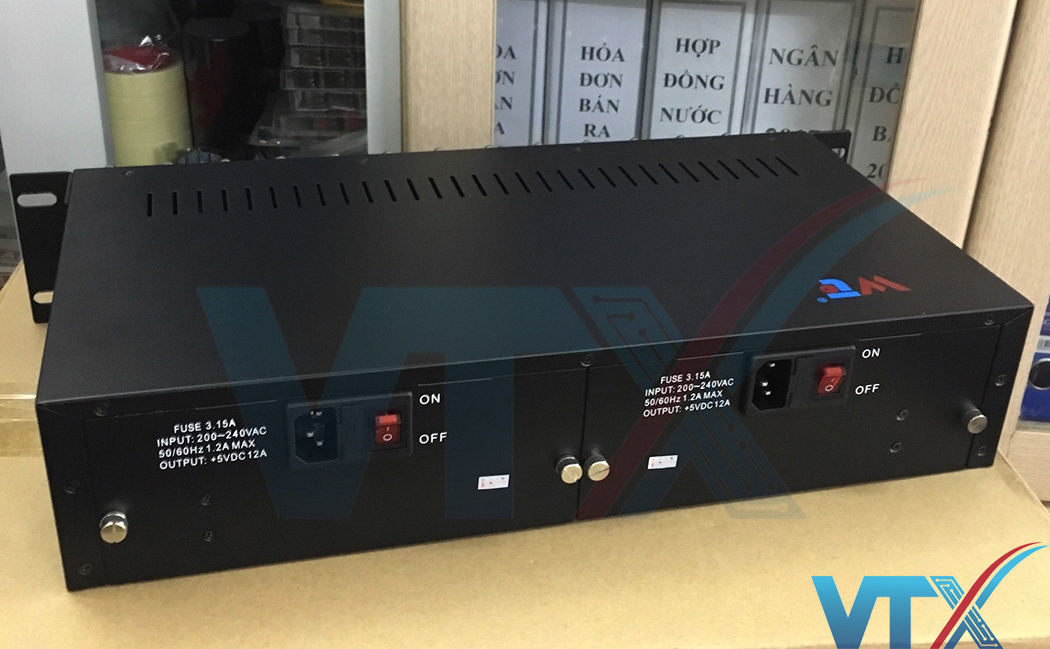
5. Insert the RJ45 twisted pair to the electrical port of converter ,and insert the fiber to the fiber port of the converter .Then connect the supplied AC to DC power adapter to the receptacle at the back of the chassis ,attach the plug into a standard AC outlet with a voltage range from 100 to 260 Vac or a DC outlet with a voltage of 48 Vac. Then turn the power switch on ,the POWER LED Lamps in the chassis will on and at green color.( For 14 slots media converter chassis, the POWER LED Lamp is in front side.
For 16 or 17 slots media converter chassis, the POWER LED Lamps are in both front side and back side.)Then the fans began to work ,that shows the power supply of the chassis is normal and stable. The LED Indicator Lamps of converters installed in chassis should indicate valid network connections and working status. Then the chassis began to work stably.
6. If the chassis is with dual power supply ,please turn on both two power supply ,and they will work together. This will extends the life cycle of the power supply, and can make sure the chassis work normally in case one of them broken down.
FAULT AND MAINTENANCE
1. Finding out the problems.
When the electrical current becomes dangerous ,the POWER LED Lamps of chassis will become red with alarm at the same time .When the problems have been cleared ,the LED Lamps will back to normal.
If the fuse has blown ,or the power supply has broken down ,the POWER LED Lamps will be off ,and the fans will not work.(The fuse is under the plug ,you can pull it out for checking or changing when necessary.)
When the fans of chassis broken down ,the POWER LED Lamps will be normal but the fans will not work. If this happens ,the power supply must be changed for new ones ,and we will do this for users ,you should not do it by yourself ,or you may break up the option s. If the power supply of chassis is normal ,but the LED Lamps of converters are off ,there might be any problems with the connection between the plug board of chassis and the power supply ,you should stop the electrical current and pull out the power adapter for checking and reinserting.
2.Changing the power supply for new ones
When one of the dual power supply broken down ,the chassis can work normally ,then you should pull out the broken one then pull out the plug from it ,and change it for another new one ,then connect the plug again. When this is been done ,the chassis and converters will keep working. When single power supply broken down ,just follow the above steps .But when this is been done ,the converters installed in the chassis will stop working until new power supply works normally.
SPECIFICATIONS
Number of slots :14
Media converters adapted :
14 slots chassis : 10/100M or 1000M or 10/100/1000M stand-alone media converters
Power in :AC 100 V~260 V ; OR DC 48V
Power out :DC 5V , 12A
Diameter of DC plug :2.5/5.5 mm
Ripple≤50 Mv
Noise :≤50 Mv
Protection of power supply :circuit-breaker when overvoltage ;circuit-breaker when
overflow ;circuit-breaker when short circuit
Operating Temperature :0℃~50℃
Storage Temperature:-20℃~85℃
Humidity: 5%~95%
Dimensions:L485 ,W231,H90 mm ;19 inches 2U
FAULT AND MAINTENANCE OF MEDIA CONVERTERS
| Fault description | Cause description | Maintenance |
|---|---|---|
| POWERLED Lamps are off | Haven’t connected the power plug ornot a valid connection | Connect the power plug and make sure itis a valid connection |
| Link/Act LEDLamp is off | 1.Haven’t connected the electricalcables to the electrical port or not a valid connection | Connect the electrical cables to theelectrical port and make sure it’s a valid connection |
| 2.Used the wrong electrical cables forelectrical connection | Use right type of electrical cables forelectrical connection | |
| 3.Any fault with the NIC and theterminal of Ethernet | To make sure the NIC and the terminal ofEthernet can work normally | |
| FX andFX-link/Act LED Lamps are off | 1.There might be any fault with theterminal optical devices | Check the terminal optical devices andthe main fiber to see if they can work normally. If not ,then maintain them |
| 2.The optical fiber has broken down orthe connection of optical fiber is not valid | ||
| 3.The optical fiber is over-loss | ||
| TX and FXLED Lamps are normal but the data can not be transmitted | 1.The connection between opticalfiber and devices is not valid ,this will cause the TX power not strong enough | 1.Check the fiber connectors and makesure the connection between optical fiber and devices is valid |
| 2.The system get power just for a little moment or any changes for thenetwork ,these may cost a little time for media converters to adapt | 2.If this option can still not work a longtime after all installations, then stop the power supply ,wait a little moment and try again with the power on |
Viễn Thông Xanh chuyên phân phối các sản phẩm Converter quang, Thiết bị quang chính hãng, đầy đủ giấy tờ CO,CQ theo yêu cầu của khách hàng. Liên hệ ngay để được tư vấn và hỗ trợ.
Đánh giá
Chưa có đánh giá nào.